 Neoclouds
 Neocloud Users
 AI Data Centers
 Enterprise Data Centers
 Visibility & Posture
 Verify Rented Capacity
 Risk Prioritization & Hardening
 Red Teaming & Pen Testing
 Runtime Detection & Response
 Compliance & Audit Readiness
 Blog
 Learn
 FAQ
 BMC Exposure
 Blog



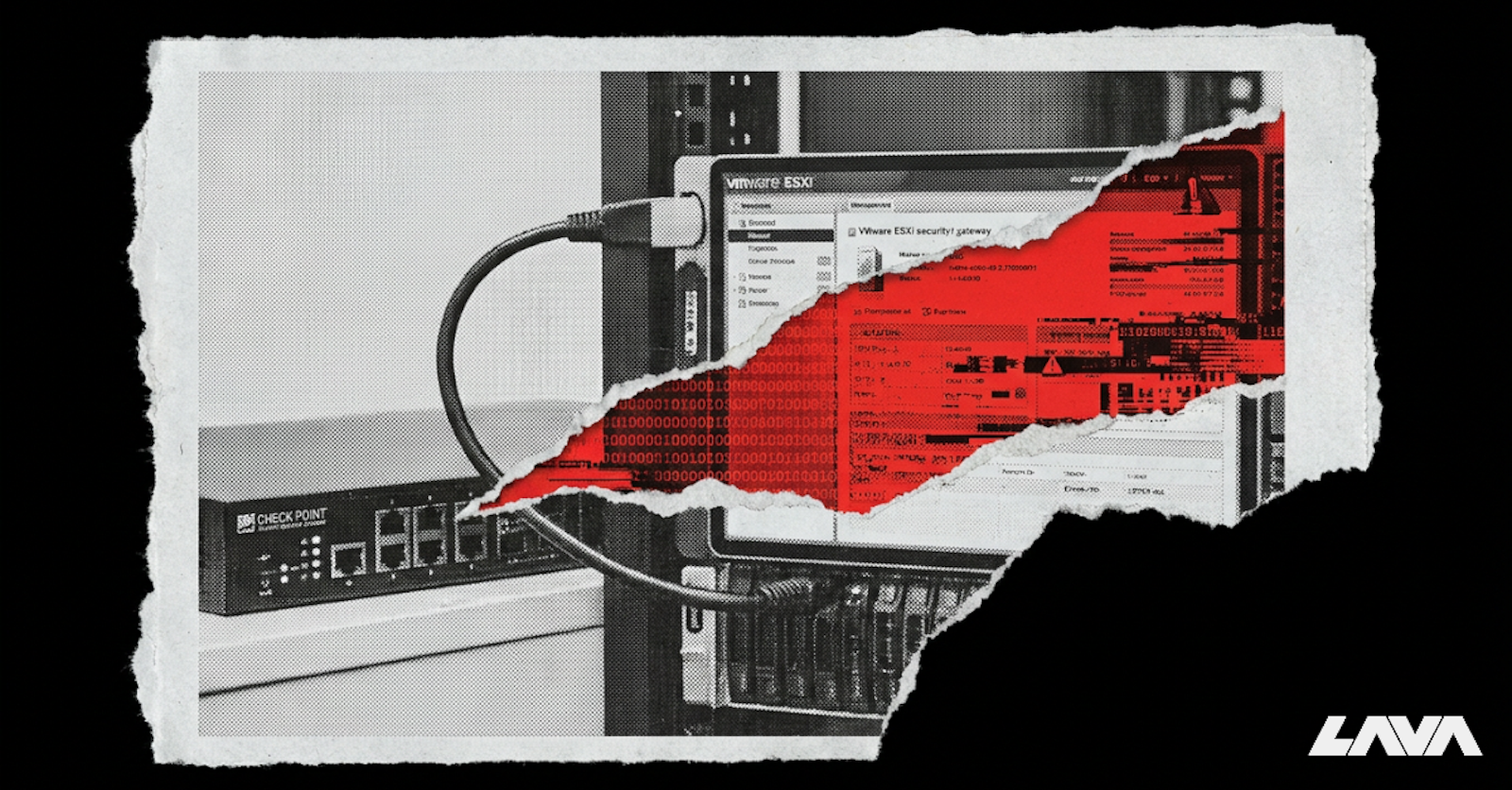
An internet-facing firewall became an entry point to critical virtualization infrastructure. After compromising a Check Point Security Gateway, attackers scanned internal systems, connected to a VMware ESXi host over SSH, and executed a destructive wiper.
On November 12, 2026, Check Point Research published its investigation into attacks that began on October 30, initially targeting Israeli organizations before expanding internationally on November 2.
Check Point reported that approximately two dozen unpatched systems were compromised in one region, with destructive activity observed in a limited number of cases.
How Attackers Took Control of the Gateway
The attackers chained two exploitation stages to gain full control of affected security gateways.
First, they exploited PHP2Shell (CVE-2026-109618 and CVE-2026-109619), two critical PHP vulnerabilities that allowed unauthenticated remote code execution through affected Check Point Mobile Access portals.
They then exploited CVE-2026-123039, a local privilege escalation vulnerability in the Gaia operating system's DynamicCLI service, to obtain root access.
With control of the gateway, the attackers installed PHP webshells and a persistent backdoor called TSGA. The backdoor included a component named TSProxy, which enabled encrypted proxy connections through existing appliance processes, helping conceal attacker communications.
But the attackers didn't stop at the firewall.
From the Firewall to VMware ESXi
After compromising the gateway, the attackers deployed a network scanner called gogo to discover internal systems and services.
Check Point's investigation revealed that they then connected to a VMware ESXi host over SSH, authenticating with the vpxuser service account.
Once on the host, they deployed and executed a wiper called destroy_v6. The malware was designed to recursively delete files, attempting to overwrite them with zeros before deletion by default.
The attackers also left a politically themed note named DREAM_ANNEXATION.txt, which explicitly rejected ransom negotiations.
What started as a vulnerability in an internet-facing firewall had reached the virtualization layer responsible for hosting virtual machines.
Importantly, Check Point did not identify an ESXi vulnerability or explain how the attackers obtained access to the vpxuser account. The investigation also does not establish that individual virtual machines were compromised.
The confirmed attack path is significant on its own: the attackers used a compromised network security appliance to reach a hypervisor that was not the original target of the exploit.
The Risk Beyond a Compromised Firewall
Firewalls and remote access gateways are supposed to protect internal infrastructure. But they also have network connectivity to systems that may not be directly exposed to the internet.
When one of these devices is compromised, the risk depends on what attackers can reach next.
In this attack, that path led to a VMware ESXi host and destructive malware execution. In a data center, similar access paths could expose other hypervisors, storage systems, and management infrastructure supporting critical workloads.
For infrastructure and security teams, this raises an important question: If an attacker gains control of a network security appliance, which critical systems can they reach from it?
Check Point made security fixes available on October 23, before the observed attacks began. The company now recommends installing the November Jumbo Hotfix across Security Gateways and Management Servers, prioritizing internet-facing Mobile Access deployments. It also published indicators of compromise to help teams investigate potentially affected systems.
Patching and investigating compromised gateways are essential. But preventing a similar attack from spreading also requires understanding the connections, privileged access, and isolation boundaries between network devices and critical infrastructure.
Lava helps infrastructure and security teams identify these risks through an end-to-end security graph spanning networking, compute, storage, and virtualization. By uncovering exposed interfaces, misconfigurations, and potential attack paths, teams can strengthen isolation and reduce the risk of a compromised network device becoming a path to critical infrastructure.